Top 10 Laptops for Developers in 2026: Buying Guide
A developer laptop should compile quickly, remain comfortable through a long working day and run the tools your stack actually requires. The best choice in 2026 is therefore not automatically the machine with the fastest benchmark. Memory capacity, sustained cooling, ports, keyboard quality, operating-system compatibility and repair options can matter more.
Apple's 14-inch MacBook Pro is the strongest all-round option for developers who can use macOS. The Framework Laptop 13 Pro is the standout for repairability and Linux, while mobile workstation users should examine Lenovo's ThinkPad P1 and HP's ZBook line. Prices and configurations vary sharply by country, so this ranking focuses on fit rather than a temporary discount.
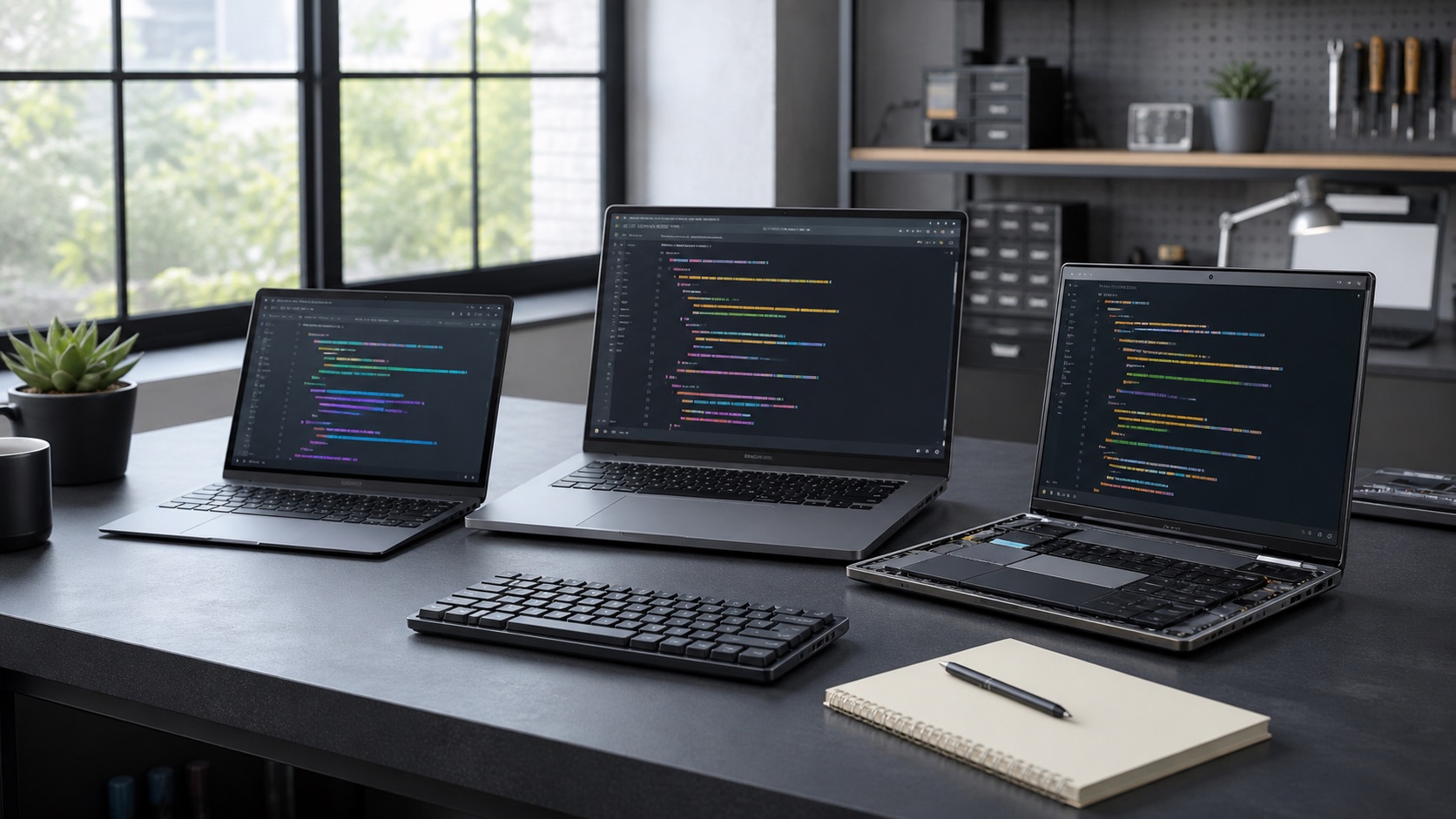
Best developer laptops in 2026
| Laptop | Best for | Sensible starting configuration |
|---|---|---|
| MacBook Pro 14 | Most macOS developers | 24–32 GB memory, 1 TB storage |
| Framework Laptop 13 Pro | Linux and repairability | 32 GB memory, 1 TB storage |
| Lenovo ThinkPad T14 Gen 6 | Business developers | 32 GB memory, 1 TB storage |
| Dell XPS 14 | Premium Windows portability | 32 GB memory, 1 TB storage |
| ASUS ROG Zephyrus G14 | CUDA and game development | 32 GB memory, discrete GPU |
| Lenovo ThinkPad P1 | Mobile workstation work | 32–64 GB, discrete GPU |
| HP ZBook Ultra | Professional engineering | 32–64 GB, certified graphics stack |
| Microsoft Surface Laptop | Quiet Windows productivity | 32 GB memory, 1 TB storage |
| MacBook Air 15 | Web and app development | 24 GB memory, 512 GB–1 TB |
| ASUS Zenbook S 14 | Lightweight Windows work | 32 GB memory, 1 TB storage |
The configuration column is a durable baseline, not a minimum for every user. A student learning Python can work happily with 16 GB, while a mobile developer running multiple emulators, containers and local AI models may need 64 GB or more.
1. Apple MacBook Pro 14: best overall
The 14-inch MacBook Pro combines strong sustained performance, an excellent high-refresh display, long unplugged use and a mature Unix-based development environment. Apple's 2026 M5 Pro and M5 Max generation adds substantial CPU, graphics and memory bandwidth options, Thunderbolt 5 and larger base storage on higher models. The compact version is easier to carry than the 16-inch machine without giving up the professional port selection.
It is the natural choice for iOS and macOS development because Apple's toolchain requires macOS. It is also excellent for web, backend, data and cross-platform mobile work. Battery claims should never be treated as a promise for compilation-heavy use, but Apple silicon remains efficient under ordinary development workloads.
The weaknesses are cost, soldered memory and storage, and limited post-purchase repair. Buy enough unified memory at the start. Developers who require native Windows-only tooling, NVIDIA CUDA or extensive x86 virtualisation should confirm compatibility rather than relying on emulation.
2. Framework Laptop 13 Pro: best for Linux and repairability
Framework's Laptop 13 Pro treats repairability as part of the product rather than an afterthought. Replaceable mainboards, keyboards, displays, batteries, storage and configurable expansion cards can extend the machine's useful life. The current Intel Core Ultra platform supports modern connectivity, while LPCAMM2 memory and standard storage options reduce lock-in.
Framework officially supports selected Linux distributions and sells configurations with Linux preloaded in some markets. That matters because suspend behaviour, fingerprint readers and firmware updates can turn a theoretically compatible laptop into an irritating daily machine.
The modular design can cost more than a mass-market notebook with similar headline specifications, and local availability differs. Battery endurance and acoustics depend on configuration and workload. It is still the most convincing choice for a developer who values serviceability, port choice and keeping one chassis through several upgrade cycles.
3. Lenovo ThinkPad T14 Gen 6: best business developer laptop
The ThinkPad T14 remains a dependable corporate development machine. Its keyboard, durable chassis, broad port selection and enterprise support are more important than fashionable thinness. Multiple processor platforms give IT teams a way to align performance, battery life and fleet standards.
It suits developers working in regulated organisations where device management, warranties, on-site support and security options matter. A matte display configuration can be easier on the eyes than a glossy high-resolution panel during long coding sessions.
The configuration catalogue is complicated, and a low-end display can undermine an otherwise excellent laptop. Some memory options may be soldered or platform-dependent. Check the exact machine type, screen brightness, RAM arrangement and Linux certification rather than assuming every T14 is identical.
4. Dell XPS 14: best premium Windows all-rounder
The redesigned 2026 XPS 14 restores a more practical keyboard and port philosophy while keeping the line's compact build and strong display options. It is a good fit for developers who want a professional Windows notebook that can handle demanding everyday work without looking like a gaming laptop.
High-density displays are useful for code and design work, but they consume more power. A discrete GPU configuration can help with creative, 3D or light machine-learning tasks; most web and backend developers will get better battery life and value from integrated graphics.
Like many thin premium laptops, upgrades are restricted and sustained performance depends on thermal limits. Review the exact generation rather than older XPS assumptions, and budget for a dock if your desk needs several monitors and wired peripherals.
5. ASUS ROG Zephyrus G14: best for CUDA and game development
The Zephyrus G14 combines a powerful mobile CPU with an NVIDIA GPU in a relatively portable chassis. CUDA development, local model experimentation, rendering and game-engine work benefit from hardware that a thin productivity notebook cannot match. Its high-quality screen also helps developers who divide time between code and visual assets.
Performance modes let users choose between quieter portable operation and higher output while plugged in. That flexibility is valuable, but a discrete GPU increases power use, heat and adapter size. Gaming styling is restrained compared with many competitors, though it remains less corporate than a ThinkPad.
Verify GPU memory, not merely the GPU model name. Larger local models and complex scenes can hit VRAM limits before compute limits. Linux users should investigate current hybrid-graphics and power-management support for the exact model.
6. Lenovo ThinkPad P1: best balanced mobile workstation
The ThinkPad P1 is aimed at engineers who need workstation-class CPU and graphics choices without carrying the heaviest desktop replacement. It can accommodate large memory and storage configurations and is available with professional support options. The keyboard and understated chassis remain suited to long technical sessions.
It is appropriate for data science, CAD-adjacent development, simulation and enterprise software work that benefits from a discrete GPU. Independent software vendor certifications can matter in organisations that need a supported hardware stack, even when a consumer GPU appears faster per dollar.
Expect premium pricing and much shorter battery life under full load than marketing playback tests imply. A well-specced P1 is excessive for ordinary web development. Buy it because a defined workload needs the cooling, memory or certified graphics—not as an insurance policy against every future project.
7. HP ZBook Ultra: best compact professional engineering machine
HP's compact ZBook models bring workstation management, security and support to a size that travels more easily than traditional engineering laptops. High-memory configurations and strong integrated or professional graphics options can support code, analysis and content creation within one managed device.
The ZBook advantage is the complete business package: firmware controls, docking, warranty options and qualification for professional applications. Developers embedded in engineering, media or research teams may value that more than a consumer notebook's benchmark lead.
Model names and internal platforms change frequently, and “workstation” does not guarantee every component is replaceable. Compare sustained performance, port layout and vendor certification for your specific applications. It is a specialist choice, not the default for a solo programmer.
8. Microsoft Surface Laptop: best for quiet Windows-on-Arm work
The Surface Laptop offers a clean Windows experience, a strong keyboard and trackpad, and efficient Arm-based processors in a thin chassis. It is appealing for Microsoft 365, web development and remote work where fan noise, camera quality and battery endurance matter.
Windows on Arm is far more capable than its early versions, but compatibility still deserves an audit. Mainstream editors, browsers, terminals and many development runtimes have native builds; specialised drivers, older virtualisation tools and some security software may not. Emulation can work without being ideal.
Choose it after testing the actual repository and toolchain. For a cloud-focused developer with compatible tools, it can be one of the most pleasant Windows laptops. For kernel, embedded or legacy x86 work, a conventional Intel or AMD machine is safer.
9. Apple MacBook Air 15: best for web development and students
The 15-inch MacBook Air provides a large, sharp workspace in a silent fanless design. It is fast enough for editors, browser-heavy development, local databases and moderate container use, and its low weight is impressive for the screen size. Students and independent developers may prefer it to paying for unused Pro graphics performance.
The fanless design means sustained exports or very long compilations eventually slow compared with a MacBook Pro. Port selection is limited, and the machine supports fewer external-display arrangements than professional models. Memory and storage cannot be upgraded.
Avoid the smallest memory configuration if you expect to run emulators, Docker and many browser tabs together. A sensible memory upgrade usually matters more than a larger processor for this audience.
10. ASUS Zenbook S 14: best lightweight x86 Windows option
The Zenbook S 14 is a compelling travel machine for developers who want a conventional x86 Windows environment. Modern Intel designs provide efficient everyday performance, a good OLED display and enough connectivity in a slim body. It avoids the compatibility questions of Arm while remaining highly portable.
OLED contrast is excellent, but glossy surfaces, pulse-width behaviour for sensitive users and battery impact at high brightness should be considered. Thin cooling also means it will not replace a workstation for sustained all-core compilation.
This is a strong machine for consultants, cloud developers and frequent travellers. As with all Zenbooks, inspect the exact regional SKU: memory, screen, wireless hardware and warranty can differ under nearly identical names.
Specifications developers should prioritise
For most professional development in 2026, 32 GB of memory and 1 TB of storage provide a comfortable baseline. Containers, local Kubernetes, Android emulators and data notebooks can consume memory quickly. Storage fills with package caches, virtual machines and build artefacts, and many thin laptops cannot be upgraded later.
CPU naming is a poor substitute for testing. A chip's short boost result says little about a 20-minute compile if cooling cannot sustain it. Look for reviews that measure prolonged workloads, fan noise and unplugged behaviour.
Ports affect the real cost. Two external monitors, wired networking, hardware security keys and test devices may require a dock. Verify whether USB-C ports support charging, data and the display standard you need. For remote work, camera, microphone and Wi-Fi reliability deserve the same attention as another few percentage points of performance.
Check your stack before buying
Create a compatibility list covering the operating system, CPU architecture, containers, virtual machines, emulators, VPN, security agent and any specialist driver. iOS work needs a Mac. CUDA normally needs NVIDIA hardware. Some Windows and Linux workflows assume x86, while mobile Arm chips may depend on native builds or emulation.
Then run one representative project on a loan or returnable machine if possible. Time a clean build, open the normal container set, connect the displays and work away from power. A laptop that wins reviews can still fail because its keyboard strains your hands or a corporate VPN lacks a compatible driver.
The best laptop is the one that removes friction
Choose the MacBook Pro 14 for the best overall macOS balance, Framework Laptop 13 Pro for Linux and repairability, or ThinkPad T14 for a managed business fleet. Select a GPU laptop only when your workload can use it, and put memory ahead of cosmetic upgrades.
A durable machine that supports your stack for four or five years is usually better value than a cheaper configuration replaced early. Sarvalaya's technology coverage includes more practical comparisons for work and personal computing.